Turn any photo into a watercolor you'll love painting
Art Master turns your photo into a calm, step-by-step watercolor paint-along — with a palette and clear stages to follow at your own pace. Or make a printable coloring page in one tap. No experience needed.
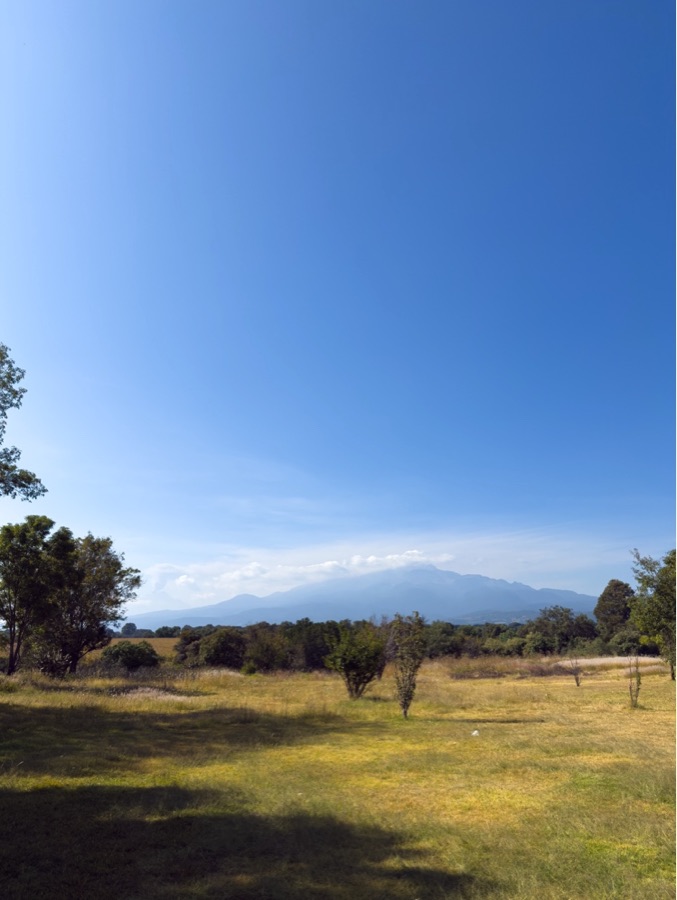
From photo to finished painting
Upload any photo and Art Master turns it into clear, ordered steps. Here is a real watercolor lesson, start to finish.
-
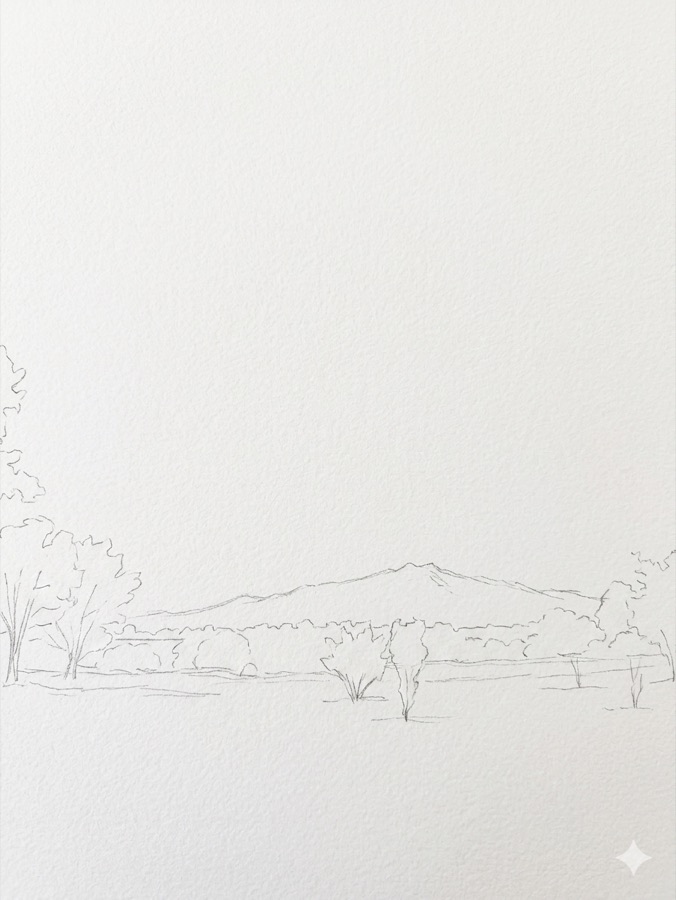
1 · Sketch the shapes
-
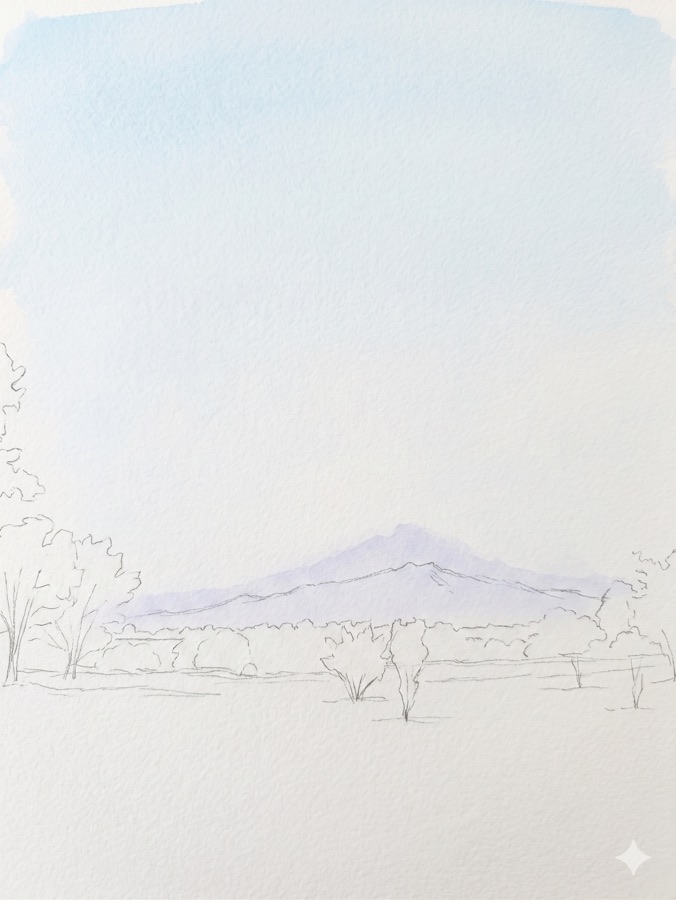
2 · First washes — sky & hills
-
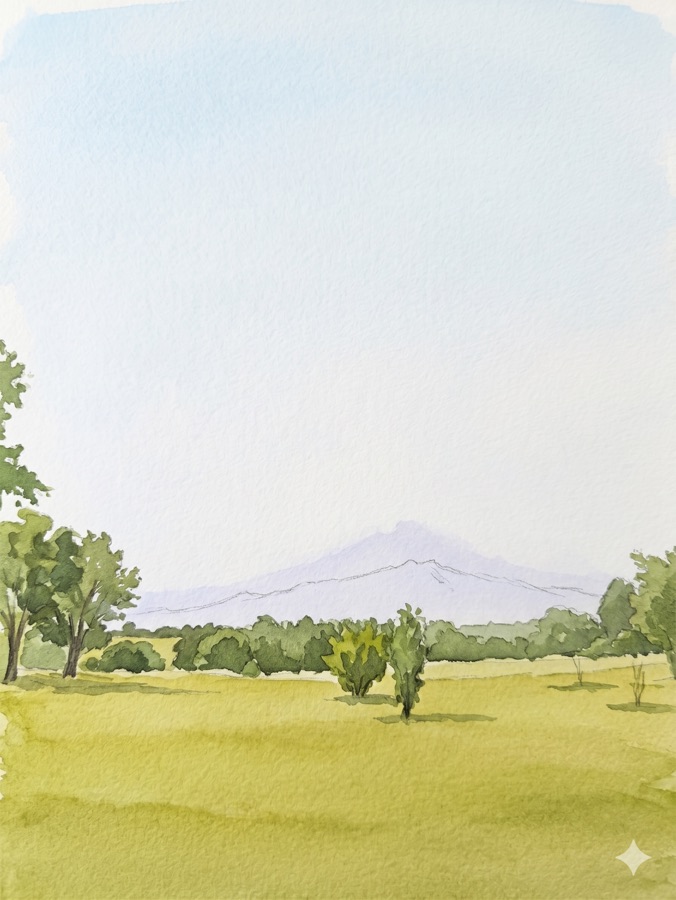
3 · Block in the greens
-
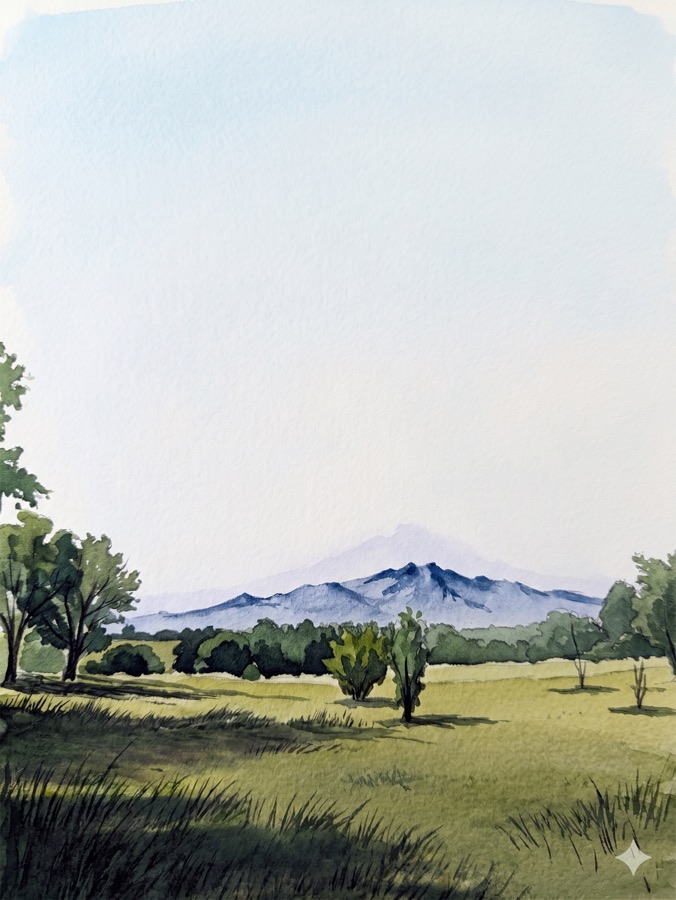
4 · Final details & shadows
See what you'll make
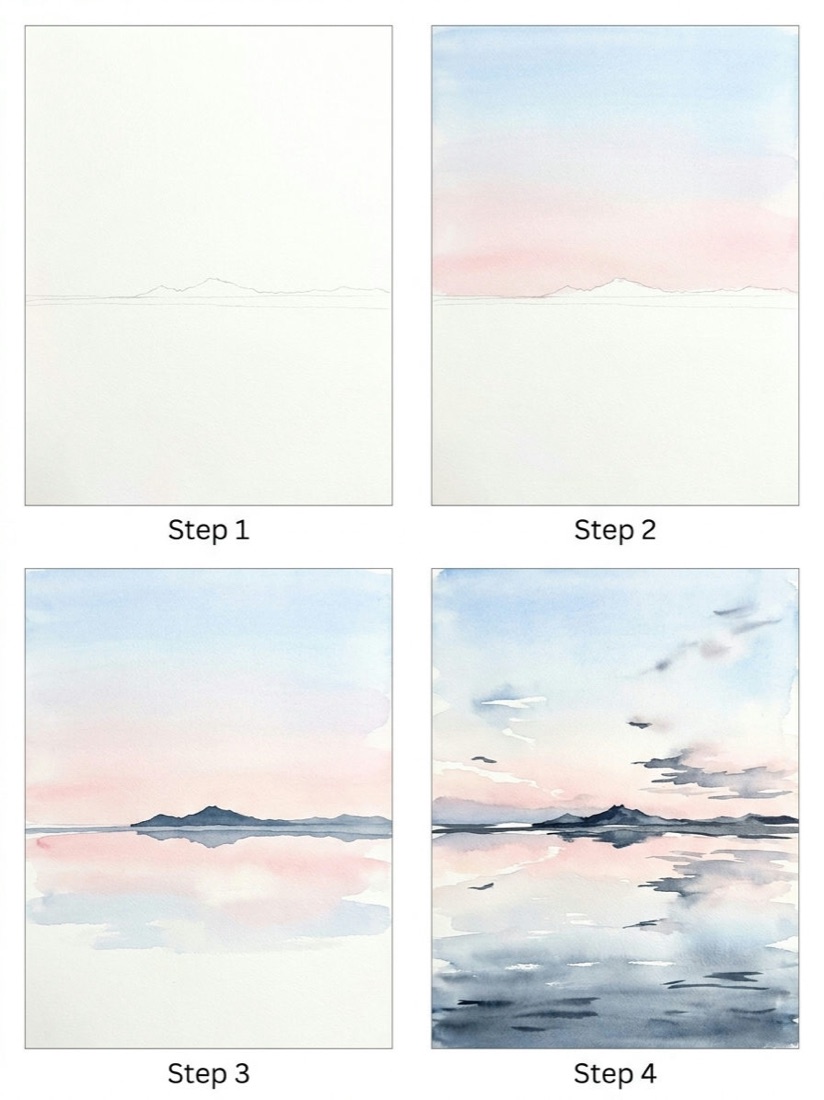
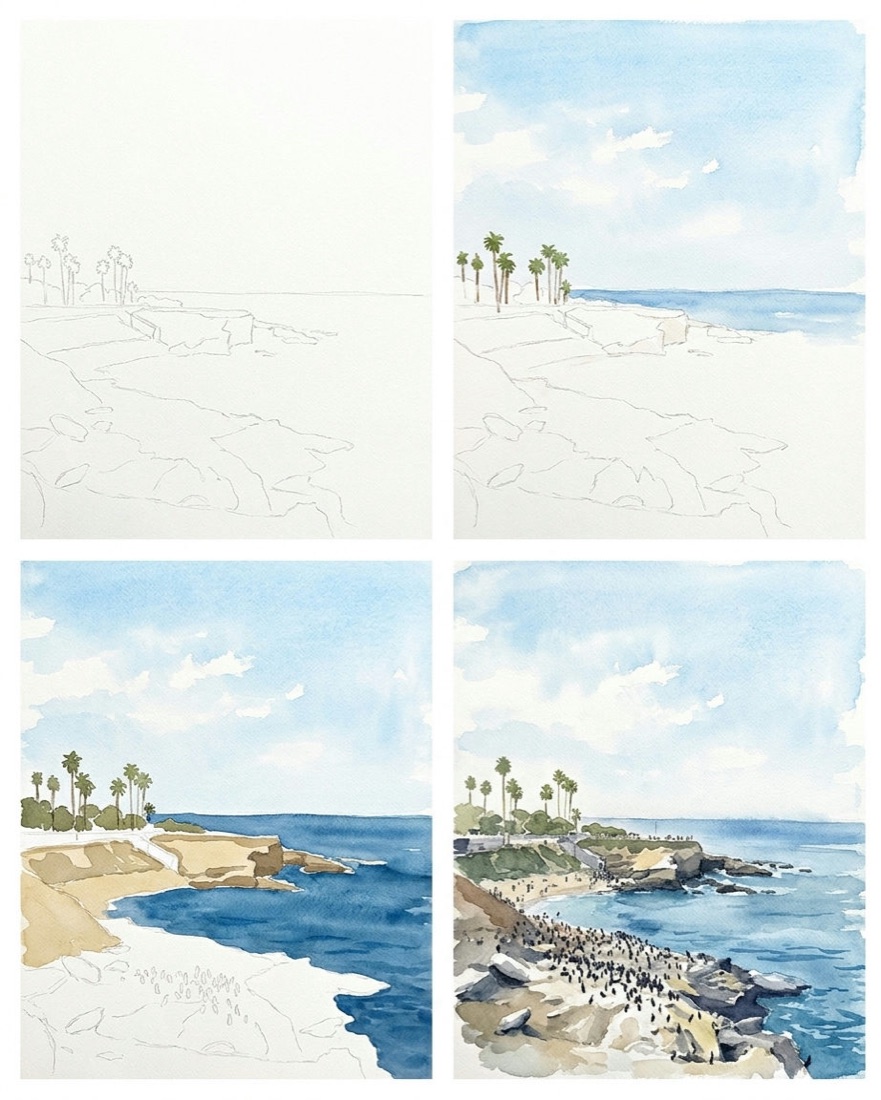
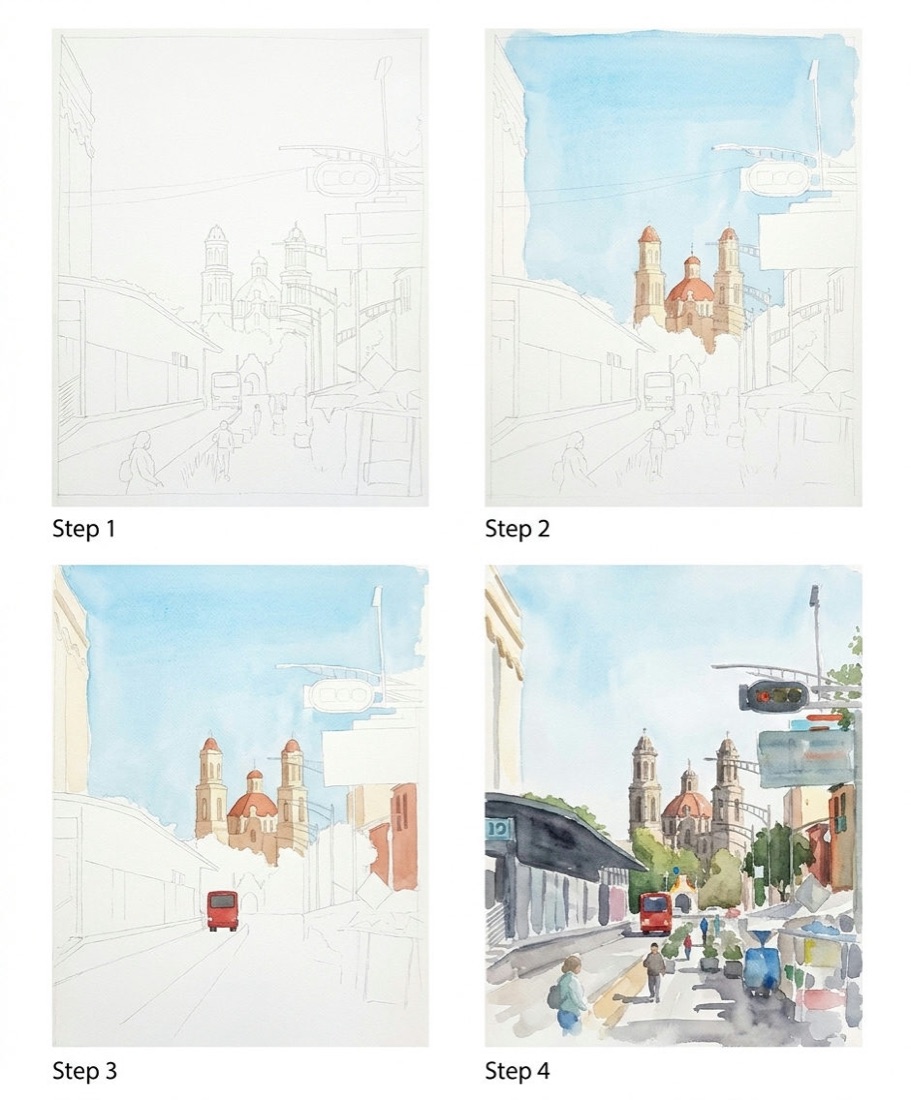
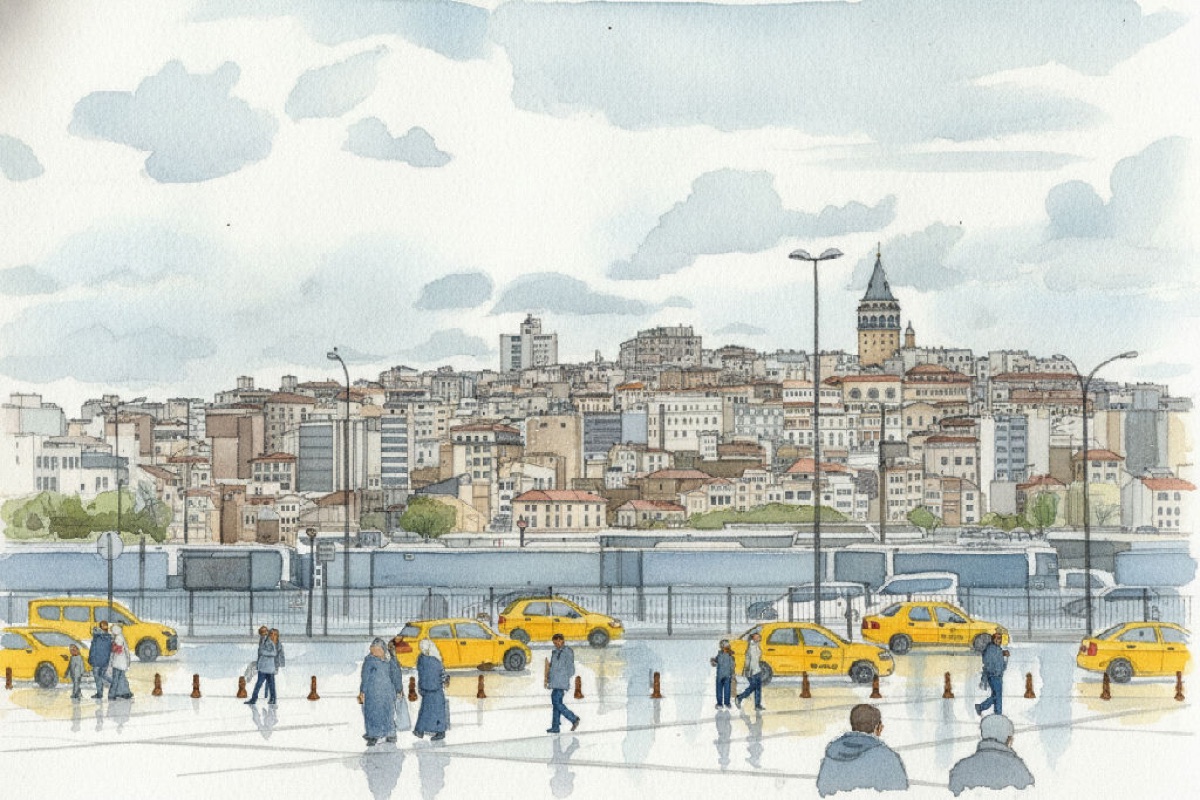
Real lessons from a single photo — each one broken into simple, paintable steps.

-
Upload any photo and get a personalized watercolor plan
-
Follow clear, bite-sized steps at your own pace
-
Turn any photo into a printable coloring page
Simple, honest pricing
Start free. Go Pro when you want to make more.
Free
- 3 free lessons to start
- Watercolor lessons
- Step-by-step guides
- 3 coloring pages to start
Pro
Save 17% · 2 months freebilled annually — $120/yr
or $11.99/month
- 15 lessons per month
- Priority rendering
- Detailed multi-step mode
- Personalized step-by-step demos of each object in your painting's style
- 30 printable coloring pages a month
Cancel anytime · Prices in USD
Looking for a gift?
Give a friend a month — or a year — of Pro.
Frequently asked questions
Do I need to know how to draw?
Not at all — that's the whole point. Every lesson breaks your photo into simple, ordered steps anyone can follow, even if you've never picked up a brush.
How does it work?
Upload any photo and AI generates a step-by-step watercolor guide with a palette and clear stages to copy — or turns it into a printable coloring page.
Is it free?
Yes — you get 3 free lessons and 3 coloring pages to start (a one-time welcome, they don't reset). Pro ($11.99/month or $120/year) unlocks 15 lessons and 30 coloring pages every month.
Are my photos private?
By default, yes — your uploads and lessons are private to your account. If you choose to publish a lesson to Explore, that lesson becomes visible to other members, including its reference photo, and you can unpublish it anytime. Anything you don't publish stays private.
What ages is it for?
Art Master AI is for everyone aged 13 and older.
Can I cancel anytime?
Yes — cancel from the billing portal whenever you like, and you keep Pro access until the end of your paid period.
Ready to paint?
Turn your first photo into a step-by-step watercolor lesson — free.
Start creating free